





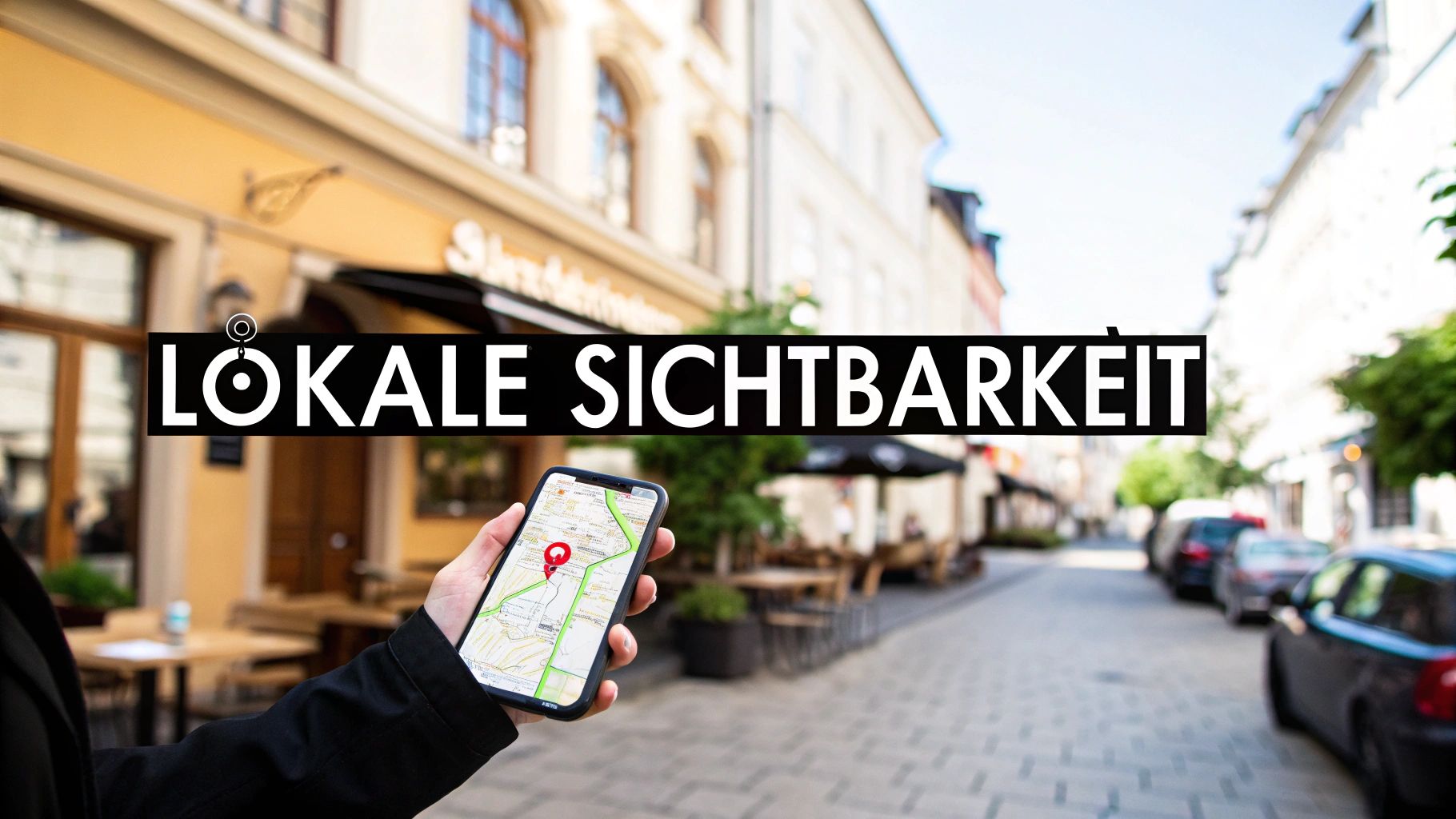
A Entry on Google Maps Today, a business listing is far more than just a digital pin on a map. For local businesses, it's the crucial first step to being found by customers in the immediate vicinity. Remember: This listing is often the very first point of contact someone has with your business.
Why a Google Maps listing is essential for your business
Imagine a very common situation: Someone is out and about and spontaneously searches for a "café near me" or urgently needs an "emergency plumber." Reaching for their smartphone is automatic. The first results that appear on the screen? Directly from Google Maps. If your business doesn't show up at that moment, you're practically invisible to this potential, ready-to-buy customer.
A well-maintained Google business profile is therefore no longer a nice extra, but an absolute foundation for any business with a local focus.
A complete and up-to-date listing builds trust and greatly facilitates the purchasing decision. Customers see all the important information at a glance:
- Opening hours: Is the store open now? This way you avoid unnecessary trips.
- Contact information: One click is all it takes to make a call or start navigation.
- Customer reviews: Genuine opinions from other customers are invaluable and immediately build trust.
- Photos & Videos: A few pictures of your shop or your products make your offer tangible and inviting.
Direct line to more customers in the store
The numbers speak for themselves. Did you know that approximately... 86 % of the German Using Google Maps to find a business? Even more impressive: 76 % of the people, who start a local search on their mobile phone, then visit one of the found stores – usually within 24 hours.
A well-crafted listing not only increases your online visibility, it also brings you significantly more traffic and revenue. Those interested in further exciting SEO statistics will find more information at... AIOSEO found.
A Google Maps listing is more than just an address. It's your digital storefront, open 24/7, attracting exactly the people who are looking for what you offer right now.
More than just directions
Ultimately, your presence on Google Maps also sends a strong signal to the search engine itself. Google rewards businesses that provide reliable and comprehensive information. Therefore, an actively maintained profile can positively impact your overall ranking in search results.
It is one of the cornerstones of successful local SEO and has a direct impact on various aspects. Google Ranking Factors.
Okay, let's get started. Creating a Google business profile is quick, but as is so often the case, the devil is in the details. It's not just about filling in a few fields. Rather, you're building the foundation for your entire local visibility. I'll show you what really matters to ensure your listing performs exceptionally well right from the start.
It all starts on the official website of Google Business Profile. One click on "Manage now" and you're ready to go with your company name.
Your company name – your digital calling card
Precision is key here. Wear the Your company's exact, official name One. Exactly as it appears on your shop sign, your invoices, or in the legal notice.
Resist the temptation to sneak keywords like "Best Pizza Hamburg" into your name. This is a clear violation of Google's guidelines and can, in the worst case, lead to your account being suspended. If another business already has the same name, you can add a suffix indicating your location or specialization, such as "Müller Bakery Old Town." This is a clean approach and helps differentiate your business.
Choosing the right business category
This point is invaluable for your ranking. The category is one of the most important factors for local search, because it tells Google exactly what you offer.
Be as specific as possible. Instead of simply stating "restaurant," choose "Italian Restaurant" or "Vegan Restaurant" if that's your core business.
You can Main category and several Subcategories Define your main category. The main category describes your core business, while the subcategories cover additional offerings. Make a smart selection here, as this is the only way to ensure you appear in search results that are truly relevant to you.
A small practical example: A hair salon that only lists itself as a "beauty salon" might not even be found by customers specifically searching for "men's haircuts". Precision pays off directly here.
The holy trinity for local SEO: NAP data
Now we come to an absolutely crucial point that many neglect: the NAP data. The abbreviation stands for Name, Address, Phone (Name, address, telephone number). These three pieces of information must be absolutely identical on every platform where your company is mentioned – from your own website to Google and other industry directories.
Even minor discrepancies, such as "Hauptstr." on one side and "Hauptstraße" on the other, can confuse Google. The result? A lower ranking. Consistency is key.
Your address not only confirms to Google that you really exist, it is also the basis for the directions on the map.
Once your address and contact details are in place, it's time to add the other details that will bring your profile to life:
- Opening hours: Maintain these meticulously. Don't forget holidays or company closures! Nothing is more frustrating for a customer than arriving to find the doors locked.
- Website: Link to your homepage or a suitable subpage, for example directly to the menu or to online appointment booking.
- Services & Products: This is your chance to shine! Describe your offer in as much detail as possible. This not only helps customers, but also helps Google better understand your business.
A little pro tip: Use relevant keywords when describing your services. Solid research will help you find the terms your customers are actually searching for. If you'd like to delve deeper into this topic, you'll find more information in our [section/guide/etc.]. comprehensive guide to keyword research Everything you need to know.
Have you filled in this basic information carefully? Perfect. That provides a solid foundation. Now your profile is ready for the crucial next step: verification. Only then will Google activate your listing, allowing you to unlock its full potential.
Successfully completing the verification process
The basic information is in, the profile is created – now comes the crucial step that makes everything official: verification. Only when you've proven to Google that your business actually exists and you are the rightful owner will you gain full control over your listing. Without this step, your profile remains essentially invisible and cannot be managed by you.
Google wants to ensure that only you can make changes. This protects not only you from manipulation, but also users from incorrect or outdated information. An absolutely necessary quality assurance step.
This process starts after the first basic data – i.e., name, address and category – has been correctly entered.
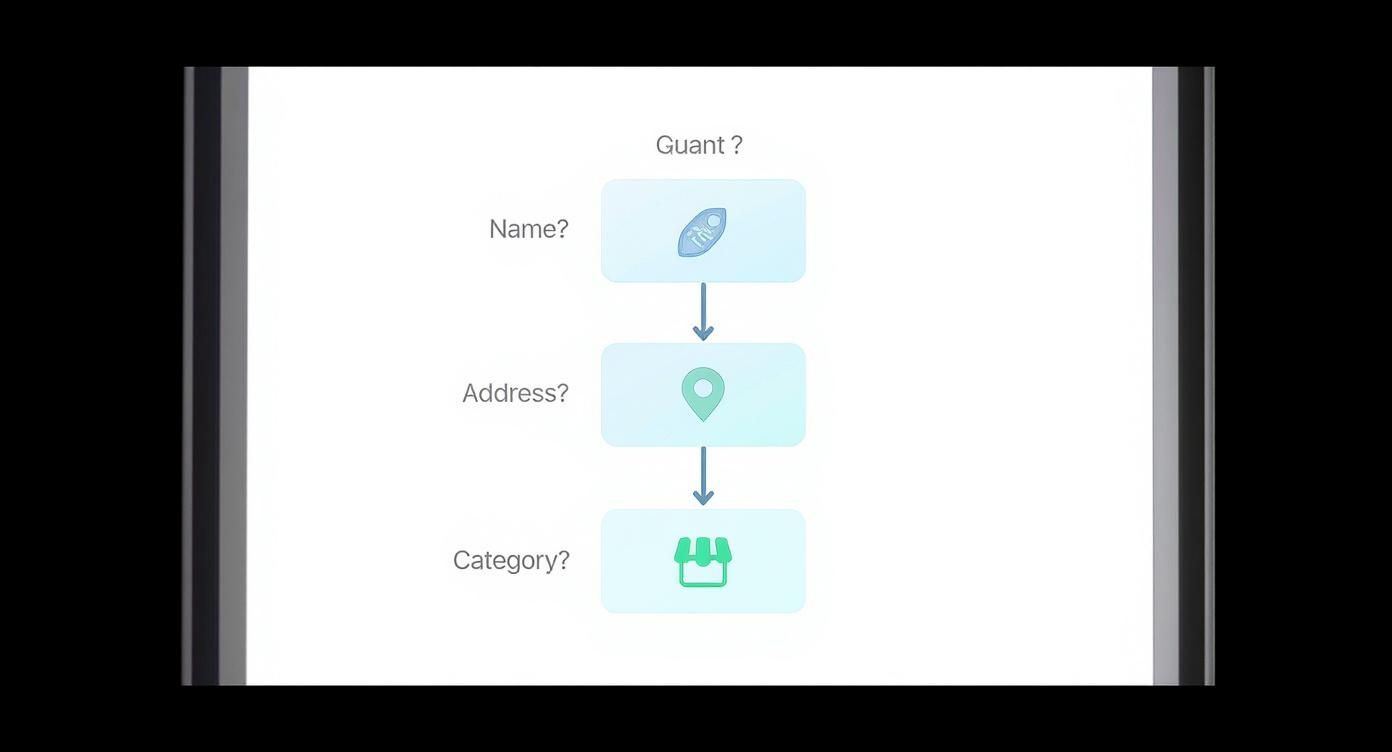
It's clear here that these three cornerstones form the foundation. If something is wrong here, the next step, verification, often fails.
An overview of the most common verification methods
The method Google suggests is not random. It depends heavily on your industry, your location, and your company's existing digital footprint. Unfortunately, you can't always choose the method.
By far the most common method, the classic one so to speak, is the Verification via postcard. Google will send a simple postcard with a five-digit code to your business address. This takes some time, usually up to... 14 days, but for Google it is the safest way to confirm a real, physical location.
An important tip from practical experience: Make sure your company name is clearly visible on the mailbox. And very importantly: inform your team! Let everyone know that an important postcard from Google is on its way. I've often seen these unassuming cards accidentally end up in the recycling bin.
Sometimes, especially if your company has been around for a while and is known online, Google also offers faster options:
- Phone call or text message: You will receive a call or a text message to the registered business number. A computer voice or text message will then give you the code. It's lightning fast.
- E-mail: The code will be sent via email. However, this only works if the email address is on your company domain (e.g., [example domain]). kontakt@ihre-firma.de and @gmail.com).
- Video verification: This is a relatively new method. Here, you conduct a short live video call with a Google employee. During this call, you'll need to show the camera, for example, the exterior of your business, your company sign, work equipment, or official documents.
The following table gives you a quick overview of the most common verification methods, so you know what to expect.
Comparison of Google verification methods
This table shows the most common methods for verifying your Google business profile, their availability, and their respective duration.
| Verification method | Typical duration | Availability | Important instructions |
|---|---|---|---|
| postcard | 5-14 working days | Almost always available | Safest method. A name on the mailbox is mandatory! |
| Phone/SMS | Immediately | Often at established companies | The provided phone number must be reachable. |
| Immediately | Only for domains known to Google | Only works with email addresses from your own domain. | |
| Video verification | 1-2 days | Offered selectively | Requires preparation (e.g., access to the store premises). |
As you can see, the duration varies considerably. So be prepared for the postcard method, but be happy if you are offered a faster alternative.
What to do if something goes wrong?
The postcard still hasn't arrived after three weeks? Don't panic. It happens. You can easily request a new one in your Google Business Profile dashboard. But before you do that, double-check the address you entered. Even a small typo could be the reason.
Should error messages appear after entering the code, or should other technical problems block the process, your first point of contact should be the official [contact information missing]. Google Business Profile Help. If you cannot find a solution there, you can contact support directly.
Please be patient. This process is absolutely crucial for the security and quality of your listing. Once verification is successfully completed, you've cleared the biggest hurdle. Then the exciting part begins: optimizing your profile.
Here's how to get the most out of your profile
Verification was successful – great! Now you're in control. But now comes the part that really matters: We turn your simple account into something more. Google Maps entry A real customer magnet. A verified but empty profile is like a great store with boarded-up windows. You know it's there, but it doesn't invite anyone in.
Their goal now is to stand out from the crowd. And the crowd is large. Worldwide, there are over 250 million The number of places listed on Google Maps is growing daily, and this figure is also increasing in Germany. Anyone who wants to remain visible here needs to actively maintain their profile. The current user numbers, which are shown in the... Google Watch Blog were published.
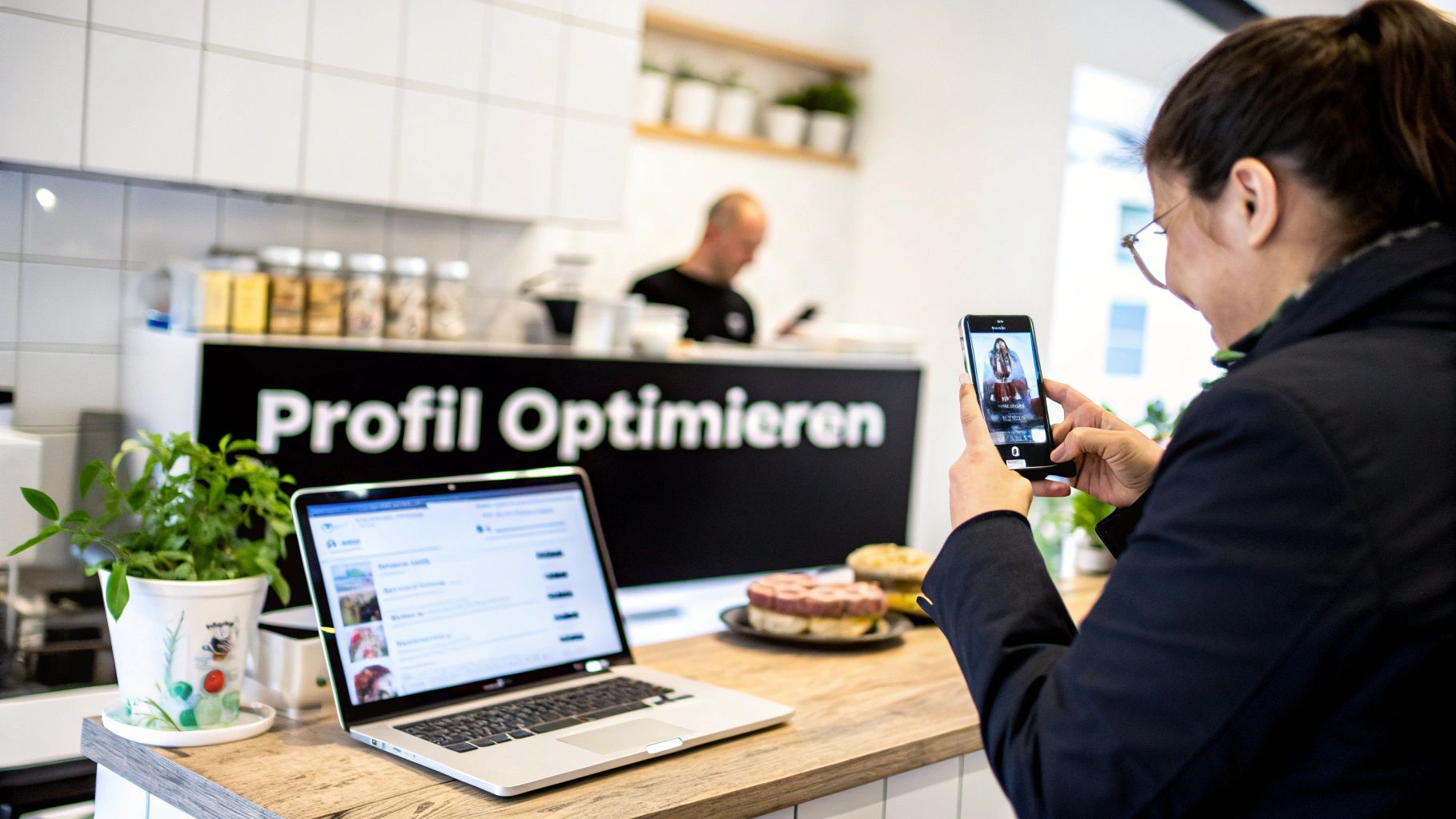
A picture is worth a thousand words.
Photos and videos are usually the first thing a potential customer sees of you. They immediately create an impression and build trust. It's about much more than just the logo. Show who you are and what you do.
- Exterior shots: Help customers find you. A few pictures of the facade from different perspectives in good light work wonders.
- Interior shots: Give a taste of the atmosphere. Show the furnishings, the ambiance, the workspaces.
- Team photos: People buy from people. A few friendly faces on your team create a personal connection.
- Images of your work: Here you can shine! A caterer shows photos of lavish buffets, a craftsman pictures of his finished projects.
A short, snappy 30-second video that shows a quick tour of your business can often be more convincing than ten individual photos. Authenticity trumps glossy presentation. Genuine insights are invaluable.
Show in detail what you offer.
Use the product and service sections in your profile in detail. Simply stating the broad category isn't enough. List specific offers, ideally with prices and a short, clear description.
Imagine someone searches for "order vegan cake". If you have exactly that listed as a service in your profile, your chances of a top ranking skyrocket. This tells Google that you are highly relevant to this specific search query.
Think of the services and products section as your mini-website directly within Google search results. It answers the most important questions even before someone has to click through to your actual homepage.
Stay in the conversation with Google Posts
Google Posts are essentially a small bulletin board or mini-blog directly on your profile. Perfect for quickly sharing current information, offers, or news.
Posts are ideal for:
- Offers: Advertise a discount or special offer with a clear timeframe.
- News: Is there a new product? Have the opening hours changed? Have you won an award? Share it!
- Events: Announce an open day, a workshop, or a special event.
A good post always includes an appealing image, a clear call to action, and, if possible, a link. Regular activity here signals to Google that your business is active and relevant – a real plus for your ranking.
Reviews: Your most powerful marketing tool
Customer reviews are not only one of the most important ranking factors for local search. Above all, they are pure gold for your reputation and the trust that new customers place in you.
Actively ask satisfied customers for a review. A small QR code in the store or a link in the email after purchase can significantly lower the barrier to entry.
But even more important is how you deal with it: Respond to every single rating. Yes, even the positive feedback! Thank your customers for the praise and respond to criticism professionally and constructively. This shows everyone who visits your profile that you genuinely care about their opinions. Building a rock-solid online reputation is a science in itself. You can find out more in our [article/guide/etc.]. Guide to Online Reputation Management.
Common problems and quick solutions
Even with the greatest care, things can go wrong when maintaining your Google listing. This is perfectly normal and usually no cause for panic. You just need to know where to start.
The biggest shock for any profile owner is probably when their profile is suddenly blocked or even disappears completely. However, this is rarely due to malicious intent, but usually to a violation of Google's guidelines – often unintentionally.
What to do if the entry has been blocked?
A suspension is often the result of an automated check in which Google's algorithm finds a discrepancy.
The classic causes are:
- Keyword spamming in the name: Additions like "Best Plumber in Hamburg" to the company name are an absolute no-go.
- Inconsistent address data: A post office box address is not acceptable; it must be a real physical address where you receive your customers.
- Multiple entries for the same store: Duplicates cause confusion and almost always lead to one of the profiles being blocked.
So what should you do? Go through your profile calmly, point by point, and compare it with the others. official Google guidelines. After you have corrected all potential errors, submit a recovery request. Briefly and objectively describe what you changed. From this point on, some patience is required.
How to deal with negative reviews
Sure, a bad review is annoying. But look at it this way: it's your chance to publicly demonstrate your professionalism. The most important rule is: Always reply! And quickly, politely, and with a focus on finding solutions.
Thank them for the feedback (even if it's difficult), apologize for the negative experience, and offer a solution – ideally offline by phone or email. This signals to all potential customers reading along that they are being taken seriously.
If a review is clearly fake, offensive, or completely off-topic, you can report it to Google. However, there's no guarantee it will be removed; the process is quite complex.
How you respond to a negative review often says more about your company than the review itself. It's public customer service in its purest form.
Changes simply aren't displayed.
You've changed your opening hours, but your profile still shows the old time? That's quite frustrating. Give the system some time – sometimes it takes a while. up to 72 hours, ...until a change is truly visible to everyone. Google reviews many changes before they go live.
If nothing changes after several days, the problem often lies in conflicting data online. Check whether your information – especially your name, address, and phone number – is identical on your own website or in other important online directories. Sometimes simply re-entering the information helps. If all else fails, the Google Business Profile Support the last resort.
Do you have any further questions? Here are the answers.
Finally, let's address a few questions that I frequently encounter in practice when it comes to Google Maps listings. Consider this a short cheat sheet highlighting common pitfalls.
Will listing my work on Google Maps cost me anything?
Clear answer: No. The Google Business Profile, which is the basis for your visibility on Google Maps, is completely free. Google ultimately wants to provide its users with the best and most accurate local results – and for that, they need your data.
Be vigilant, however: Agencies or dubious providers repeatedly try to sell you paid listings via phone or email. You can easily handle the basic creation and maintenance of your profile yourself.
What if I don't have a physical storefront?
No problem, that's perfectly normal. Just think of all the service providers who travel to their clients: tradespeople, mobile hairdressers, consultants, or photographers.
When creating your profile, you can easily specify that you are a Service company without a fixed location This is for customers. Instead of an address, you define a specific service area in which you offer your services. The major advantage: your private home address remains hidden and is not displayed on the map. Potential customers only see the region in which you operate.
Practical tip: Define your service area as precisely as possible. This is the only way to ensure that you are found in searches like "plumber in Sample City" even if your office is actually located in the next town.
How long do I have to wait for my business to appear on the map?
Creating the profile itself only takes a few minutes. The bottleneck is almost always the verification, in other words, proof that your company actually exists.
The duration depends heavily on the chosen method:
- Quick options: The matter can often be resolved within minutes via phone, text message, or email. Sometimes the entry goes live almost immediately.
- The classic postcard: This is the most common method. You'll need some patience here – expect... five to fourteen working days, Your profile will remain visible until the letter containing the code arrives in your mailbox. Only after you enter this code will your profile be publicly visible.
Help, someone has already registered my company! What now?
This happens more often than you might think. Sometimes a well-meaning customer creates a basic listing, or Google creates one automatically. But don't worry, you can take control of it.
Simply search for your business on Google Maps. In the corresponding listing, you will then find a link like "„Owner of this company?“Click on it and follow the steps to prove that you own the store. Again, you'll need to verify your identity so Google can be sure control is being transferred to the right person. This way, you can take over an already existing store. Create an entry on Google Maps for yourself retroactively and manage.
You don't just want to be found, you want to leave your local competitors behind? LinkITUp is your partner for sustainable SEO success and top rankings that last. Let's work together to ensure that customers in your region can no longer ignore you: Get your free analysis now at seobuchen.com/.