





Search engine optimization (SEO) is not a sprint, but a marathon – and the right equipment can be crucial. Many believe that effective SEO is only possible with expensive premium suites. But that's a misconception. The market offers an impressive selection of powerful and, above all, affordable tools. free SEO tools, which, when used correctly, can unleash enormous leverage.
From initial keyword research and technical website audits to monitoring your backlinks – there's a free tool for almost every discipline that provides valuable data and insights. The goal isn't to find the one perfect tool, but rather to strategically combine the strengths of different providers to gain a comprehensive understanding of your SEO performance. This approach allows small and medium-sized businesses, as well as startups, to achieve professional results with limited budgets and build a solid foundation for sustainable growth.
In this comprehensive guide, we present the 12 best free SEO tools for 2025. We go far beyond a simple list of features: You'll learn about the strengths and limitations of individual tools like Ahrefs, Seobility, and Google Search Console. Using concrete application scenarios and mini-workflows, we'll show you how to practically integrate these tools into your daily work to sustainably increase your online visibility. Each entry includes screenshots and direct links so you can get started right away. Discover how to build a solid SEO strategy with a smart mix of these tools, without breaking the bank.
1. SISTRIX – Free SEO Tools
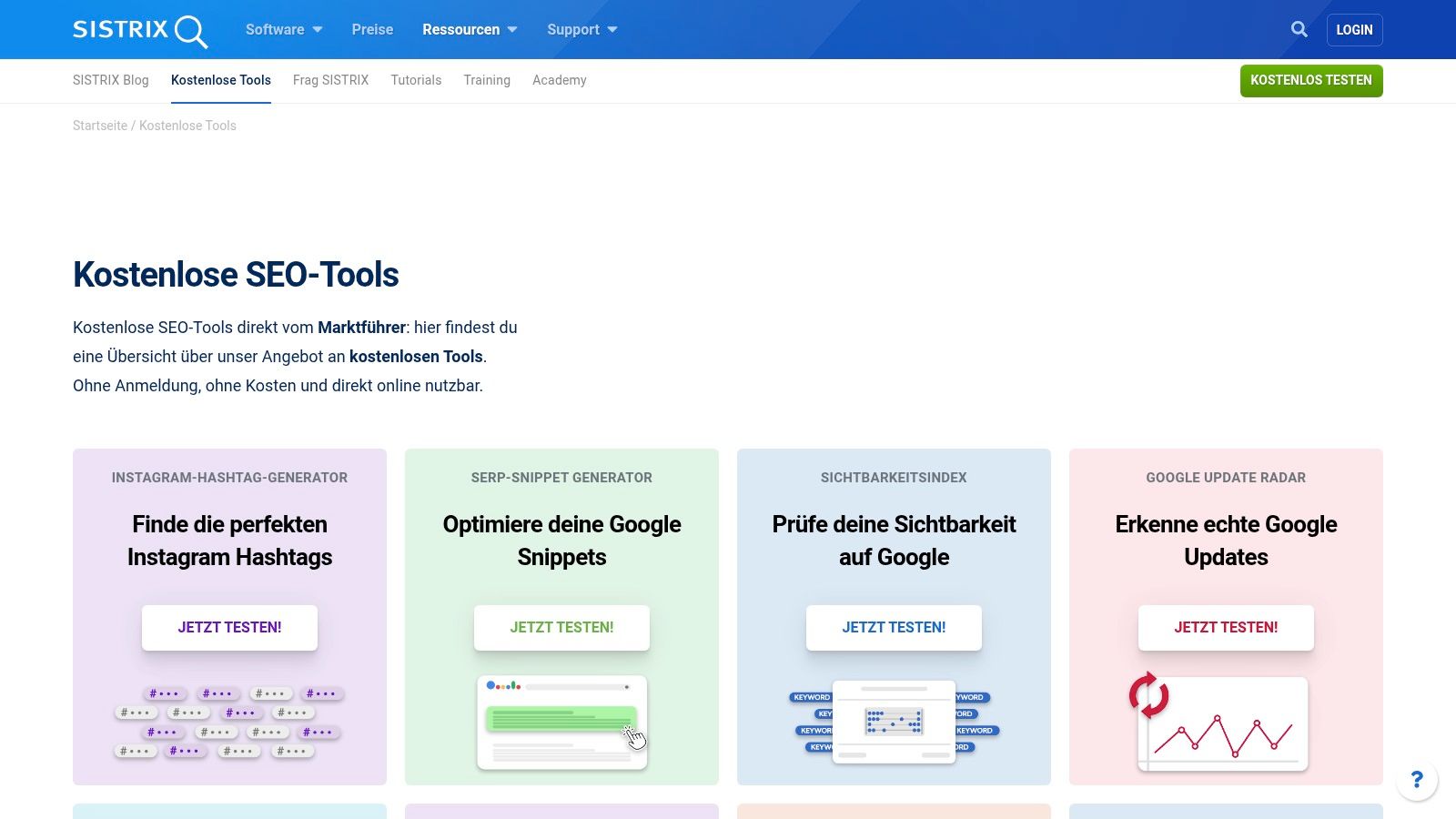
SISTRIX, an established German provider, presents a collection of useful and free SEO tools Available tools that can be used directly in the browser without registration. This collection is an ideal starting point for quick, everyday SEO analyses and features a clear, German-language user interface.
Highlights of the free tools
What makes this offer special is the bundling of various tools in one place. With the Visibility Index Check It's quick and easy to check the Google visibility of any domain in Germany, allowing for an initial competitive comparison. SERP Snippet Generator This is an excellent tool for optimizing title tags and meta descriptions and improving the click-through rate (CTR). You instantly see a preview of how your snippet will look in Google results.
Additionally, the site offers simple Pagespeed comparisons and the valuable Google Update Radar, which provides information about current and past algorithm changes. For users who want to keep a constant eye on a project, there is also "SISTRIX Smart": a permanently free tool for monitoring a website with up to 1,000 subpages.
| Strengthen | Weaken |
|---|---|
| Quick access without registration | The functionality of the individual tools is limited. |
| Ideal for quick everyday analyses | „SISTRIX Smart“ is limited to one project |
| German-speaking with high trust | The focus is on core metrics, not in-depth analysis. |
Practical tip: Use the visibility index check to assess the visibility of your direct regional competitors in Kaiserslautern. This will give you a quick overview of your market position.
Link: SISTRIX Free Tools
2. Seobility – Free SEO checks
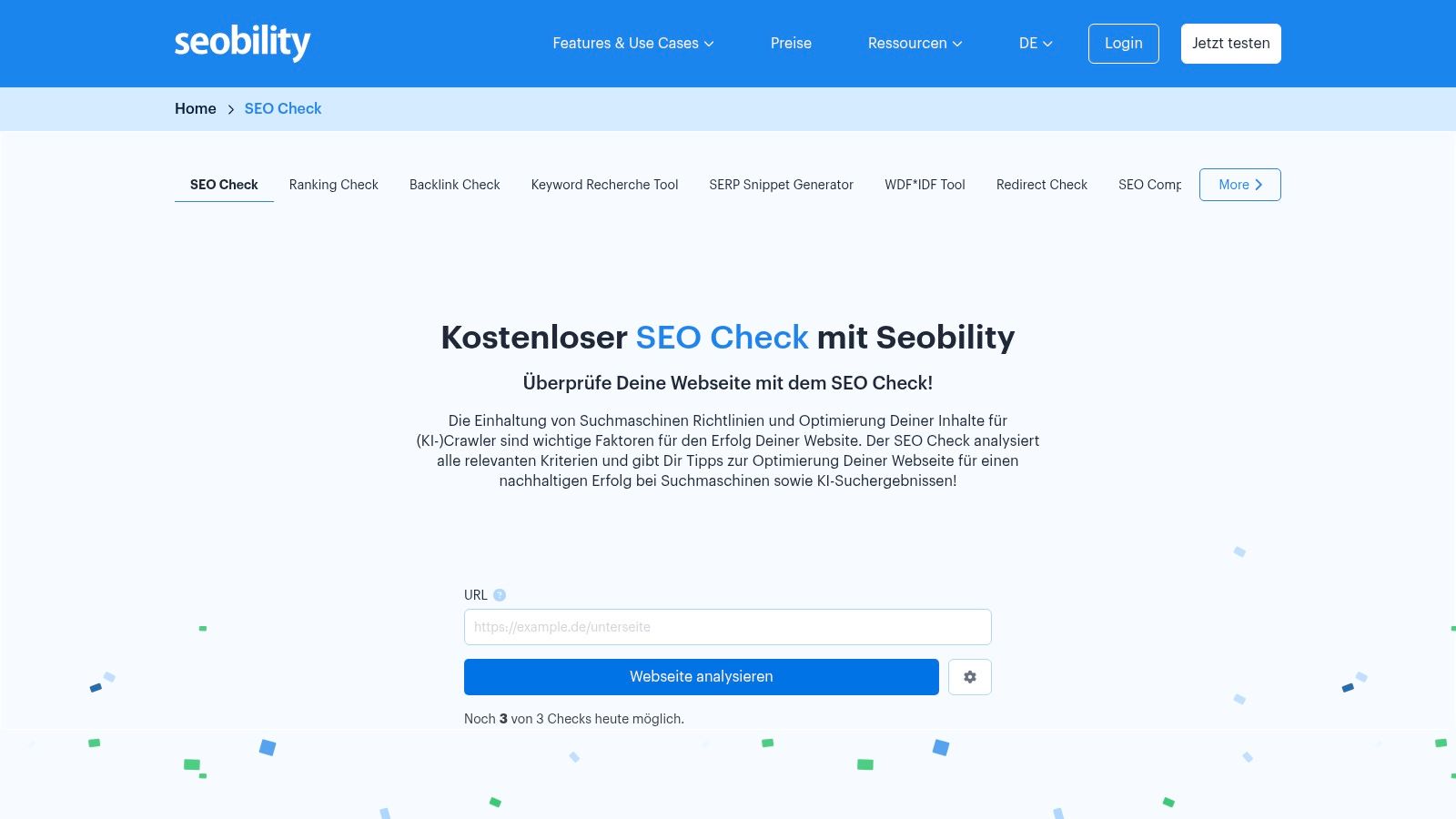
Seobility is another powerful, German-language SEO tool that offers a range of features. free SEO checks directly on its website. These tools are ideal for quickly analyzing individual pages and provide immediately actionable recommendations without requiring prior registration. The platform is specifically aimed at users in the DACH region (Germany, Austria, and Switzerland) and impresses with its clear, structured presentation of the results.
Highlights of the free tools
The centerpiece of the free offer is the comprehensive SEO check, which checks a URL against over 200 relevant ranking factors. It provides a detailed analysis of technical aspects, meta information, and page structure. The clear, prioritized to-do lists are particularly useful, showing which errors should be fixed first. This is complemented by a Keyword check, which analyzes a page for optimization for a specific keyword, as well as a Ranking Check, to determine the current position in Google search results.
Those who want to delve deeper can permanently use the full functionality of the all-in-one software for one domain in the free "Basic" plan or test the complete suite for 14 days.
| Strengthen | Weaken |
|---|---|
| Detailed on-page analysis without login | Daily limits when using free checks |
| Clear to-do lists with prioritization | Full features such as PDF exports are subject to a fee. |
| Strongly focused on the German-speaking market (DACH) | Detailed backlink data is only available in the premium plan. |
Practical tip: Use the SEO check to analyze the most important service page of your website. The prioritized error list provides you with clear guidance on which technical and content optimizations will have the greatest impact on your local ranking in Kaiserslautern.
Link: Seobility SEO Check
3. Ahrefs – Free SEO Tools & Ahrefs Webmaster Tools (AWT)
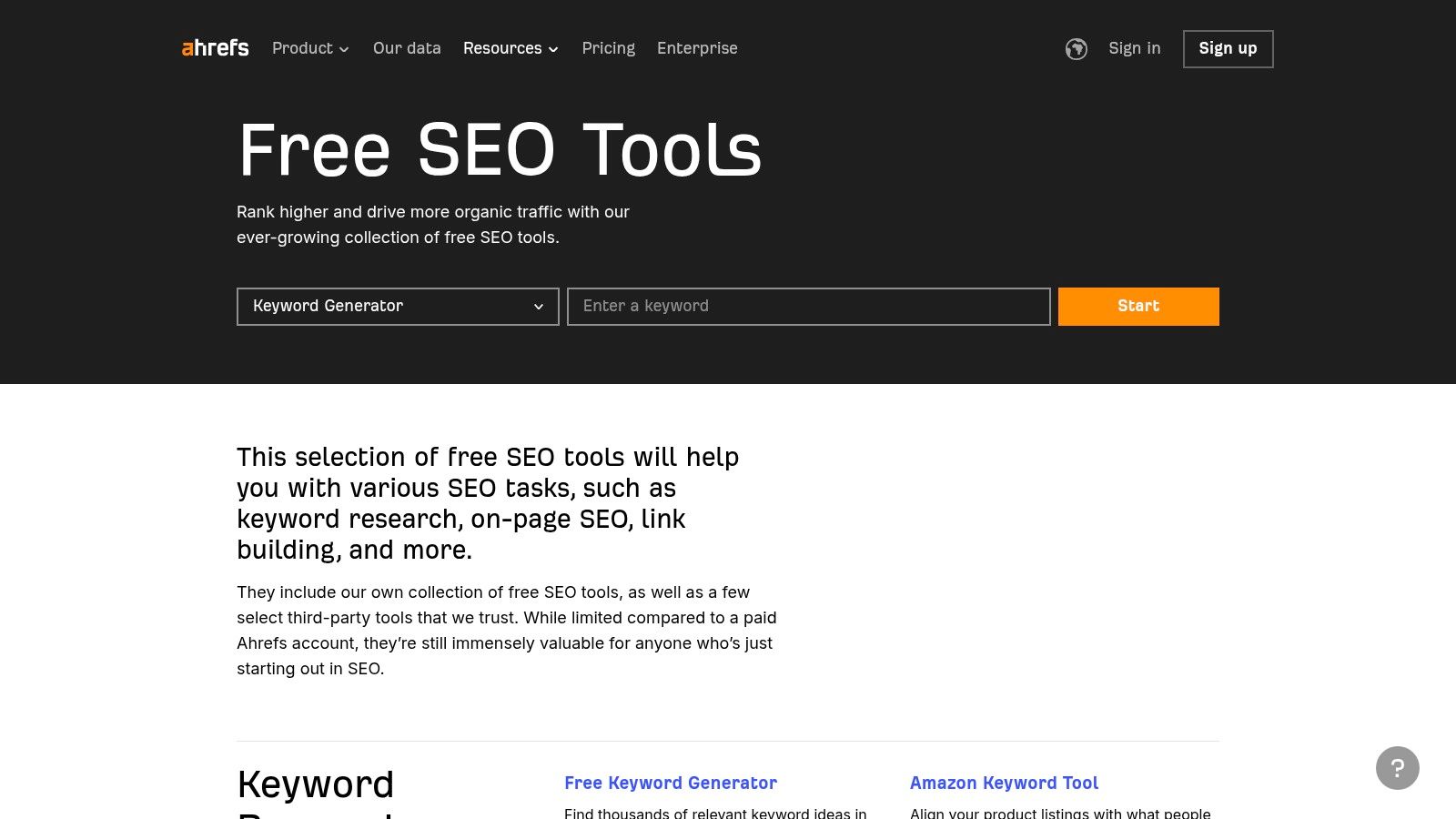
Ahrefs, known for one of the most comprehensive backlink and keyword databases in the industry, offers an impressive suite of free SEO tools. This collection provides direct insight into the core functions of the premium offering and is ideal for initial analysis. Of particular note are the Ahrefs Webmaster Tools (AWT), which, after website verification, offer deeper insights into your own domain.
Highlights of the free tools
Ahrefs' strength lies in the quality and depth of its data. The free Backlink Checker Provides a preview of the powerful link profile analysis tool and shows the top backlinks and referring domains. Equally useful is the Keyword Generator, which delivers hundreds of ideas for any given keyword, including search volume and keyword difficulty. DR (Domain Rating) Checker enables a quick assessment of a website's authority.
Verifying your website unlocks even more with Ahrefs Webmaster Tools: regular Site Audits to uncover technical SEO problems and limited access to the Site Explorer to monitor in detail the organic performance, keywords and backlinks of your own site.
| Strengthen | Weaken |
|---|---|
| Very large and high-quality database | In-depth competitive analysis requires a paid subscription. |
| AWT offers free professional auditing features. | Limits on queries in the completely free version |
| Sensible free usage limits for initial analyses | Full functionality is comparatively expensive. |
Practical tip: Use Ahrefs Webmaster Tools to verify your website. The free Site Audit quickly finds technical errors such as broken links or missing alt tags, which you can fix directly to improve your ranking.
Link: Ahrefs Free SEO Tools
4. Semrush – Free Account and Tool Kits
Semrush is one of the best-known all-in-one SEO suites on the market and offers a permanent free account with severely limited, yet still useful features. This free access is ideal for getting a first impression of the powerful platform and conducting basic analyses without having to invest directly in a subscription.
Highlights of the free tools
The free Semrush account grants access to a limited number of queries per day in core areas such as the Keyword and domain analysis. This allows you, for example, to research a handful of keywords or to get an overview of a domain's organic performance. Access to this is particularly valuable. Site Audit Tool, which can crawl a website with up to 100 URLs and check for technical errors – an excellent starting point for on-page optimization.
Additionally, the Position Tracking Tool Track up to 10 keywords per project daily. Semrush often offers 7-day trial periods for specialized toolkits (e.g., Social, Content, Local). Users should note that these trial periods typically convert automatically to paid plans if not canceled in time.
| Strengthen | Weaken |
|---|---|
| A very wide range of functions to get acquainted with. | Free limits are very tight and quickly reached. |
| Access to professional tools such as Site Audit | Trial periods often automatically convert into subscriptions. |
| Ideal for small projects and initial analyses | Full functionality requires expensive subscriptions. |
Practical tip: Use the Site Audit in your free account to crawl the 10 most important pages of your website (homepage, category pages, top blog articles). The identified errors, such as missing alt tags or slow loading times, offer concrete and quickly implementable optimization approaches.
Link: Semrush Free Account
5. Google Search Console
The Google Search Console (GSC) is not optional, but a indispensable free SEO tool Directly from the search engine provider. It delivers authentic data about how Google sees, indexes, and displays a website in search results. After a one-time verification of your domain, you gain access to a wealth of information that is fundamental to any serious SEO strategy.
Highlights of the free tools
The core of the GSC is the Performance report. It shows in detail which search queries generate impressions and clicks for your website, including the average position and click-through rate (CTR). This is a goldmine for identifying untapped keyword potential and measuring the success of your content strategy. The URL audit tool allows you to check the indexing status of individual pages live and initiate (re)indexing.
Equally critical are the index coverage reports, which show precisely which pages are indexed and where errors (e.g., 404 errors, server-side problems) exist. Submitting sitemaps helps Google understand the site's structure and provides important insights into the Core Web Vitals, which directly impact user experience and ranking.
| Strengthen | Weaken |
|---|---|
| Direct, reliable data from Google | Does not provide competitive data |
| 100 % free and comprehensive | Requires training for correct interpretation. |
| Essential for troubleshooting and index control | Data is often delayed by up to 48 hours. |
Practical tip: Use the performance report to filter for keywords containing the word "Kaiserslautern". This will help you identify your most important local search terms and optimize the corresponding landing pages accordingly.
Link: Google Search Console
6. Google PageSpeed Insights
Google PageSpeed Insights is the official and free SEO tool Google's tool for analyzing website loading times and user experience. It measures performance on both desktop and mobile devices and provides essential data on Core Web Vitals. This tool is indispensable for anyone looking to optimize their website's technical performance, as it directly reflects the metrics used by Google.
Highlights of the free tools
What makes this tool special is the combination of Laboratory data (a snapshot under controlled conditions) and Field data from the Chrome User Experience Report (CrUX), which reflects real user data. It evaluates the page based on the Core Web Vitals: Largest Contentful Paint (LCP), Interaction to Next Paint (INP), and Cumulative Layout Shift (CLS). Learn more about the Importance of Google Core Web Vitals and how they affect your ranking.
The detailed Lighthouse report offers specific, prioritized recommendations for action in the "Diagnosis" and "Opportunities" sections. These range from optimizing images and reducing unused JavaScript to improving server response times. This provides even less technically experienced users with clear instructions for improving performance.
| Strengthen | Weaken |
|---|---|
| Directly aligned with Google's ranking factors (CWV) | Field data not available for all (less frequently visited) URLs |
| Clear, actionable, and prioritized optimization tips | Results may vary slightly depending on the time of testing. |
| Differentiation between mobile and desktop performance | Some recommendations require in-depth technical knowledge. |
Practical tip: Focus first on the recommendations with the greatest estimated savings potential. Often, compressing just a few images can noticeably improve loading times and increase the PageSpeed score.
Link: Google PageSpeed Insights
7. Google Keyword Planner (Google Ads)
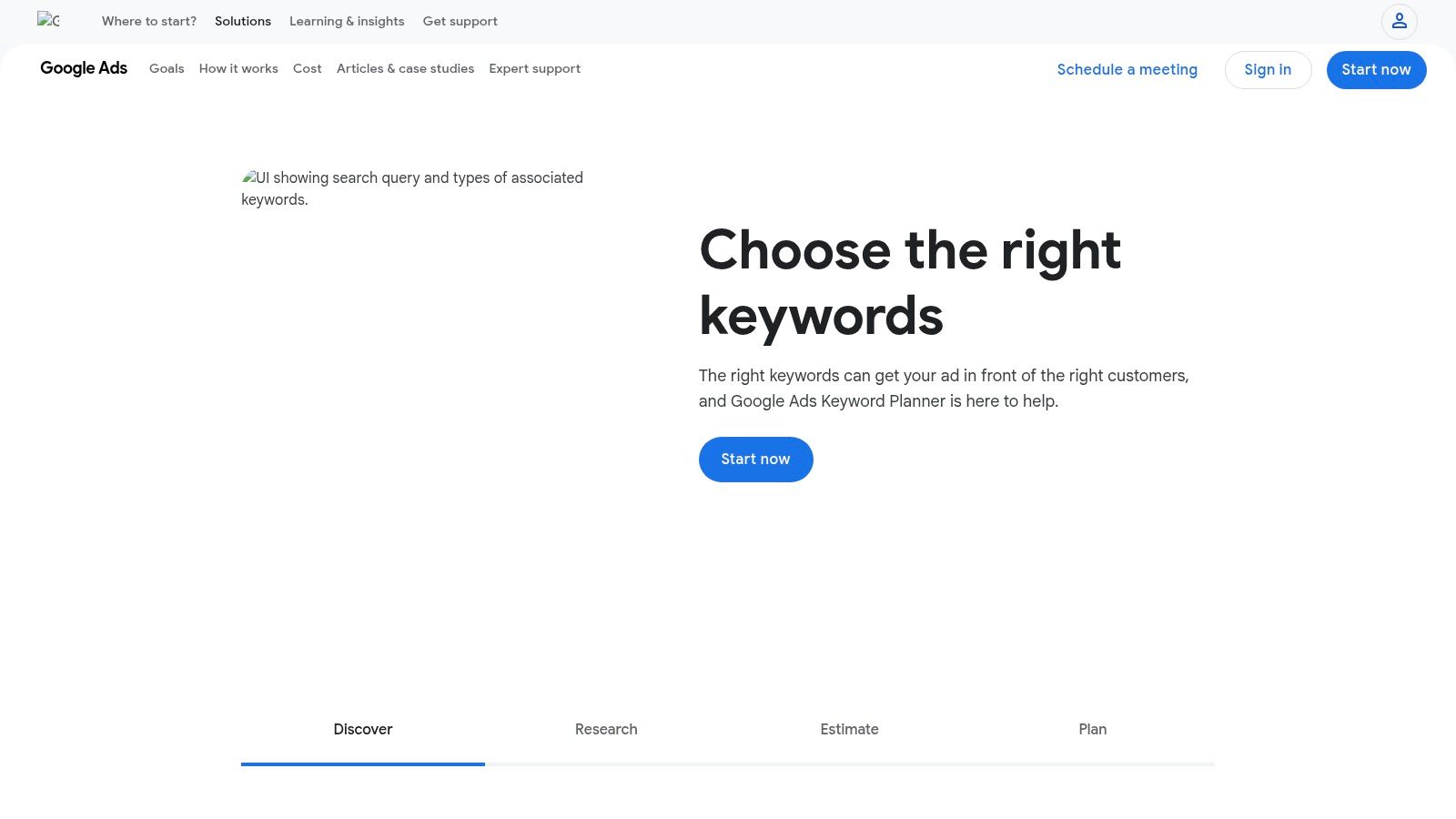
The Google Keyword Planner is a classic and free SEO tool Directly from the search engine giant itself. Although primarily designed for advertisers in Google Ads, it's an invaluable resource for organic keyword research. All you need to use it is a Google account; no active advertising campaigns are required.
Highlights of the free tools
The planner's centerpiece is the "Discover New Keywords" function. Here, you can enter terms or URLs and receive hundreds of relevant keyword suggestions, including data on their average monthly search volume. The ability to filter the data for very specific regions, such as Rhineland-Palatinate, or even individual cities is particularly valuable.
Although search volume data for accounts without active advertising spend is often displayed in broad ranges (e.g., "1K–10K"), the tool provides reliable trends and seasonal fluctuations. It also shows competitor data and estimated cost-per-click (CPC) rates, which indirectly indicate a keyword's commercial relevance. For more detailed information, please see our [link to relevant documentation]. Keyword Research Guide.
| Strengthen | Weaken |
|---|---|
| Data comes directly from Google | A Google Ads account is absolutely required. |
| Very good for initial brainstorming. | Search volumes without an advertising budget are inaccurate (ranges) |
| Strong regional filtering functions | The focus is clearly on paid search, not SEO. |
Practical tip: Use the "Start with a website" feature to enter the URL of a local competitor from Kaiserslautern. The Keyword Planner will then show you which terms this website is likely to rank for – a goldmine for new keyword ideas.
Link: Google Keyword Planner
8. Bing Webmaster Tools
Bing Webmaster Tools are Microsoft's direct counterpart to Google Search Console and are among the essential tools., free SEO tools For anyone who wants to optimize their website not only for Google, but also for the Bing and Co-Pilot ecosystems. The platform offers detailed insights into a website's performance in Bing search and allows for active management of indexing.
Highlights of the free tools
One outstanding feature is the Import function from Google Search Console, which enables extremely quick and straightforward project setup. Instead of manually entering all the data, existing verifications and sitemaps are simply imported. Core functions such as the Search performance reports and that URL inspection tool They function similarly to GSC and provide information about clicks, impressions and rankings in Bing.
The integration of is particularly valuable IndexNow, This protocol instantly informs search engines about new or updated content, significantly increasing indexing speed. This is a technical advantage that website operators shouldn't ignore. These tools provide an important alternative data perspective to the dominant Google landscape and help secure visibility across all relevant channels.
| Strengthen | Weaken |
|---|---|
| Essential data for Bing search | The focus is exclusively on Bing data. |
| Faster setup through GSC import | The user interface and logic differ from those of the GSC. |
| Innovative IndexNow integration | Lower market share of the search engine in Germany |
Practical tip: Use the import function to register your Kaiserslautern-based business in minutes. Then check the indexing reports to ensure that Bing has correctly indexed all your important local performance pages.
Link: Bing Webmaster Tools
9. Ubersuggest (Neil Patel)
Ubersuggest, developed by renowned online marketer Neil Patel, is an all-in-one SEO platform specifically designed for beginners and small businesses. The tool offers permanently free access, which, while quite limited, provides a good initial overview of fundamental SEO disciplines such as keyword research and competitor analysis. The user interface is intuitive and visually appealing, making it easy to get started.
Highlights of the free tools
The core of the free offer is the Keyword research. Users can enter a keyword and receive data on search volume, SEO difficulty, and a list of related keyword ideas. Even though the number of daily queries and displayed results is limited, it's sufficient for developing initial content ideas.
Another useful feature is the Site audit, This tool checks your website for technical SEO errors and provides prioritized recommendations. The free account limits this scan to a certain number of pages. The Chrome extension also delivers additional data on domains and keywords directly within Google search results, simplifying quick, everyday analysis. For deeper insights, a 7-day trial of the premium version is available.
| Strengthen | Weaken |
|---|---|
| Very beginner-friendly and intuitive interface | Strict daily limits on queries and results |
| Free account that can be used permanently | Full functionality quickly requires a subscription. |
| Good visualization of data and metrics | The trial period requires payment information and will become chargeable unless cancelled. |
Practical tip: Use the free keyword research to analyze three to five important service keywords for your business in Kaiserslautern. The "keyword ideas" will show you related search queries that you can use for blog posts or FAQ sections.
Link: Ubersuggest
10. AnswerThePublic
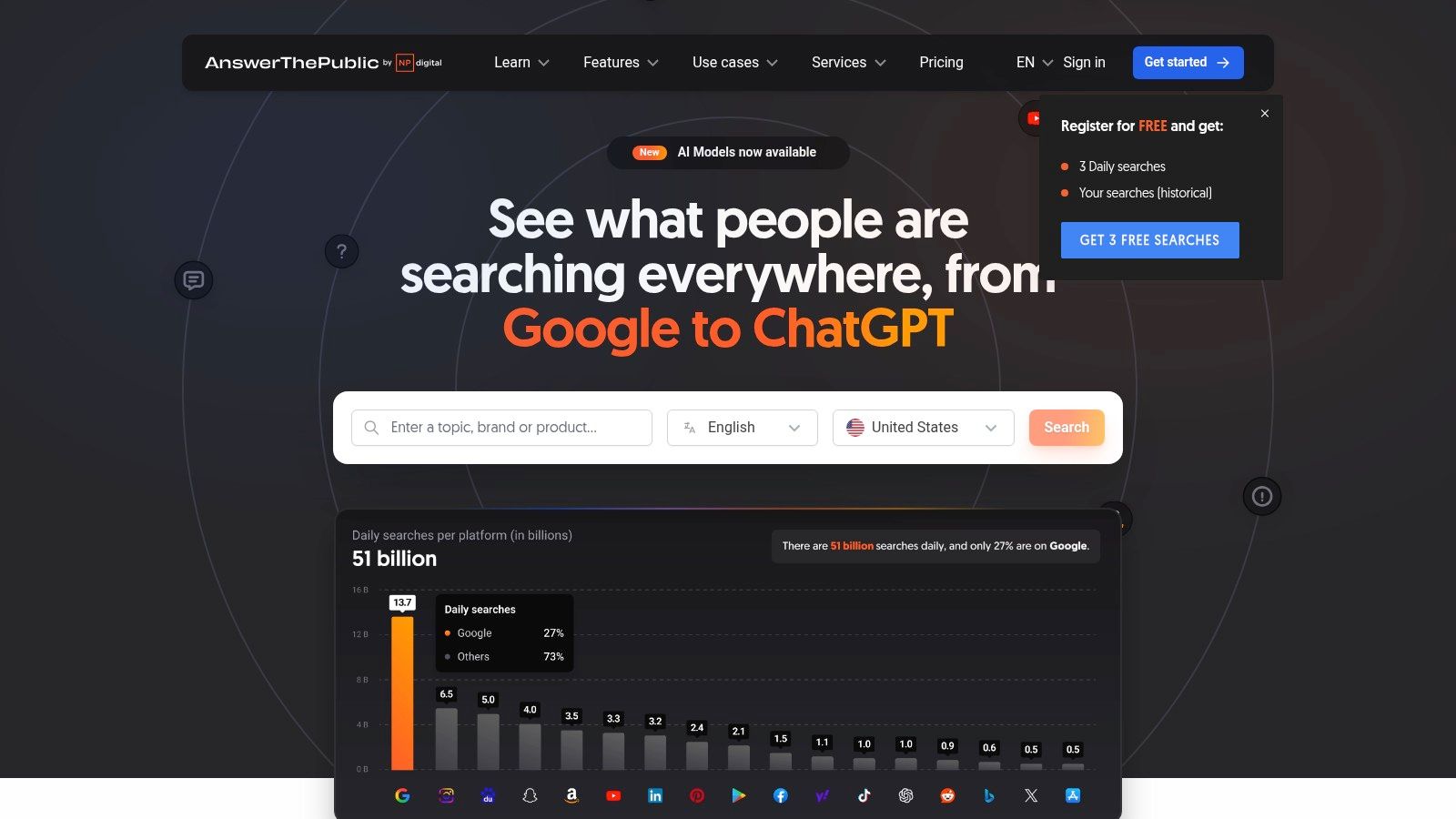
AnswerThePublic is a unique brainstorming tool that visualizes search engine autocomplete data to provide a comprehensive picture of questions and search phrases surrounding a keyword. Instead of simply delivering keyword lists, it presents the results in graphical mind maps, making it one of the best. free SEO tools for content ideation and topic research.
Highlights of the free tool
What makes AnswerThePublic special is its intuitive visualization of search intent. The tool groups search queries by question words (who, what, when, why), prepositions (for, with, without), and comparisons (vs, or). This allows you to see at a glance the specific problems and information needs of your target audience. These insights are invaluable for creating blog articles, FAQs, or service pages that precisely answer user questions.
The free version limits daily searches, but these are often sufficient to develop in-depth ideas for a content strategy. While the data cannot be exported, the visualizations alone offer tremendous added value for editorial planning and understanding the target audience.
| Strengthen | Weaken |
|---|---|
| Excellent source for content ideas | Daily search queries are severely limited. |
| Intuitive visualization of user questions | Data export is not possible in the free version. |
| Quick overview of an entire topic cluster | Full functionality is available for a fee. |
Practical tip: Enter "tax advisor Kaiserslautern" to see what specific questions local clients have, such as "what documents does the tax advisor need?" or "what are the costs of a tax advisor for self-employed individuals?" You can use these questions directly as headings for your FAQ page.
Link: AnswerThePublic
11. Yoast SEO (WordPress Plugin, Free)
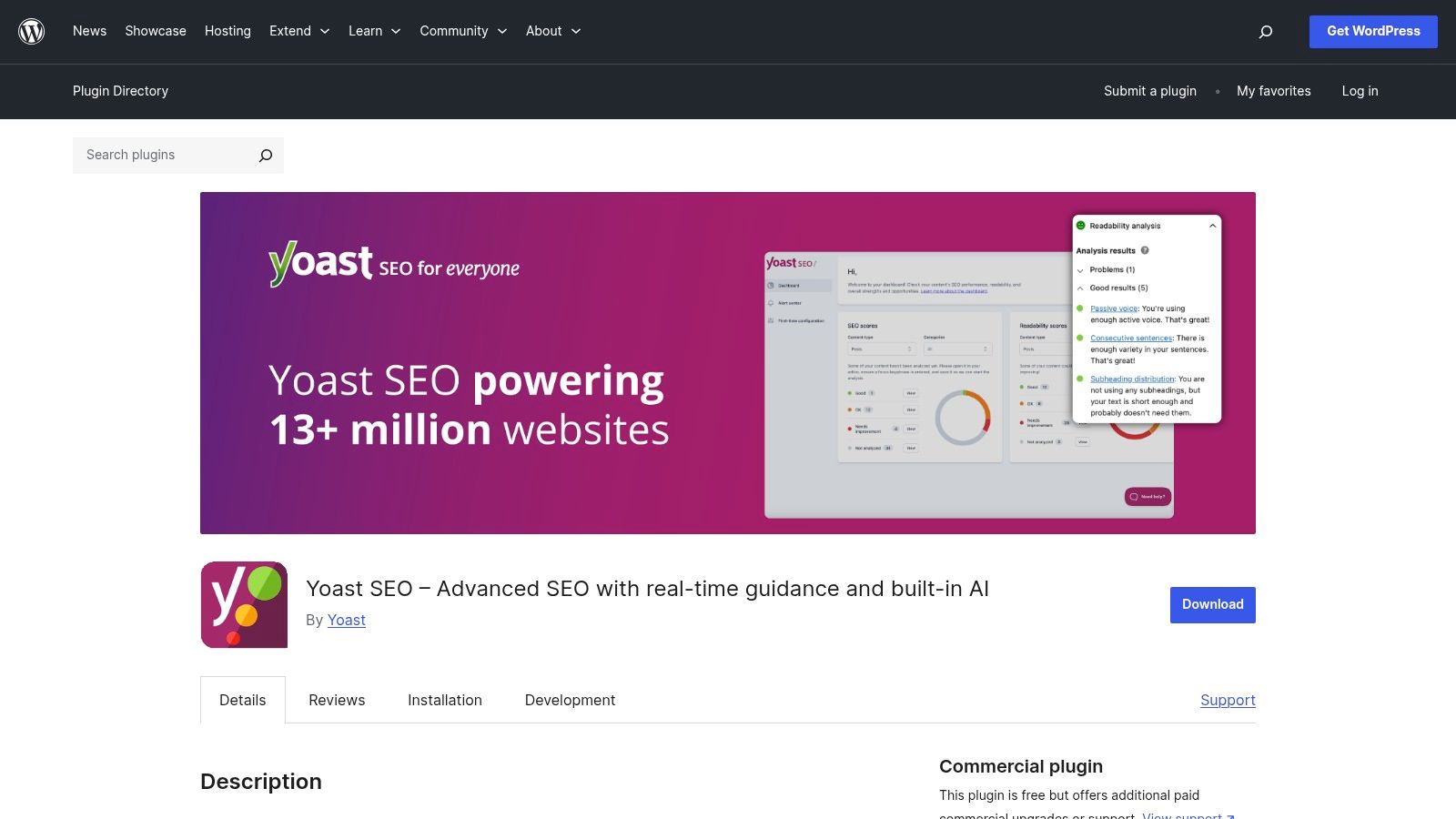
For WordPress site owners, Yoast SEO is often the first and most important tool for search engine optimization. free SEO tool In the form of a plugin, it integrates directly into the WordPress backend and automatically handles essential technical SEO tasks, such as creating XML sitemaps and correctly setting canonical tags. It is the de facto standard for on-page SEO in the WordPress world.
Highlights of the free plugin
Yoast's strength lies in its accessibility. Directly within the post editor, the plugin offers live analysis of on-page factors. Using a simple traffic light system (red, orange, green), even SEO beginners receive clear feedback on text readability and optimization for a focus keyword. Furthermore, it allows for straightforward editing of SEO titles and meta descriptions, including a preview of how the snippet will appear in search results.
The basic functions for a clean technical and content foundation are fully included in the free version. The plugin also automatically configures basic Schema.org markup, which helps search engines better understand the page's content. For many small and medium-sized businesses, the free version is perfectly adequate to cover the on-page basics.
| Strengthen | Weaken |
|---|---|
| Seamless integration with WordPress | Extended features are only available in the premium version. |
| Easy operation thanks to the traffic light system | Redirect manager and advanced schema options are subject to a fee. |
| Strong community and regular updates | Keyword optimization limited to a single keyword (free version) |
Practical tip: Use Yoast's snippet preview to create compelling titles and descriptions for your most important service pages in Kaiserslautern. A strong call to action in the meta description can significantly increase click-through rates from local search results.
Link: Yoast SEO in the WordPress directory
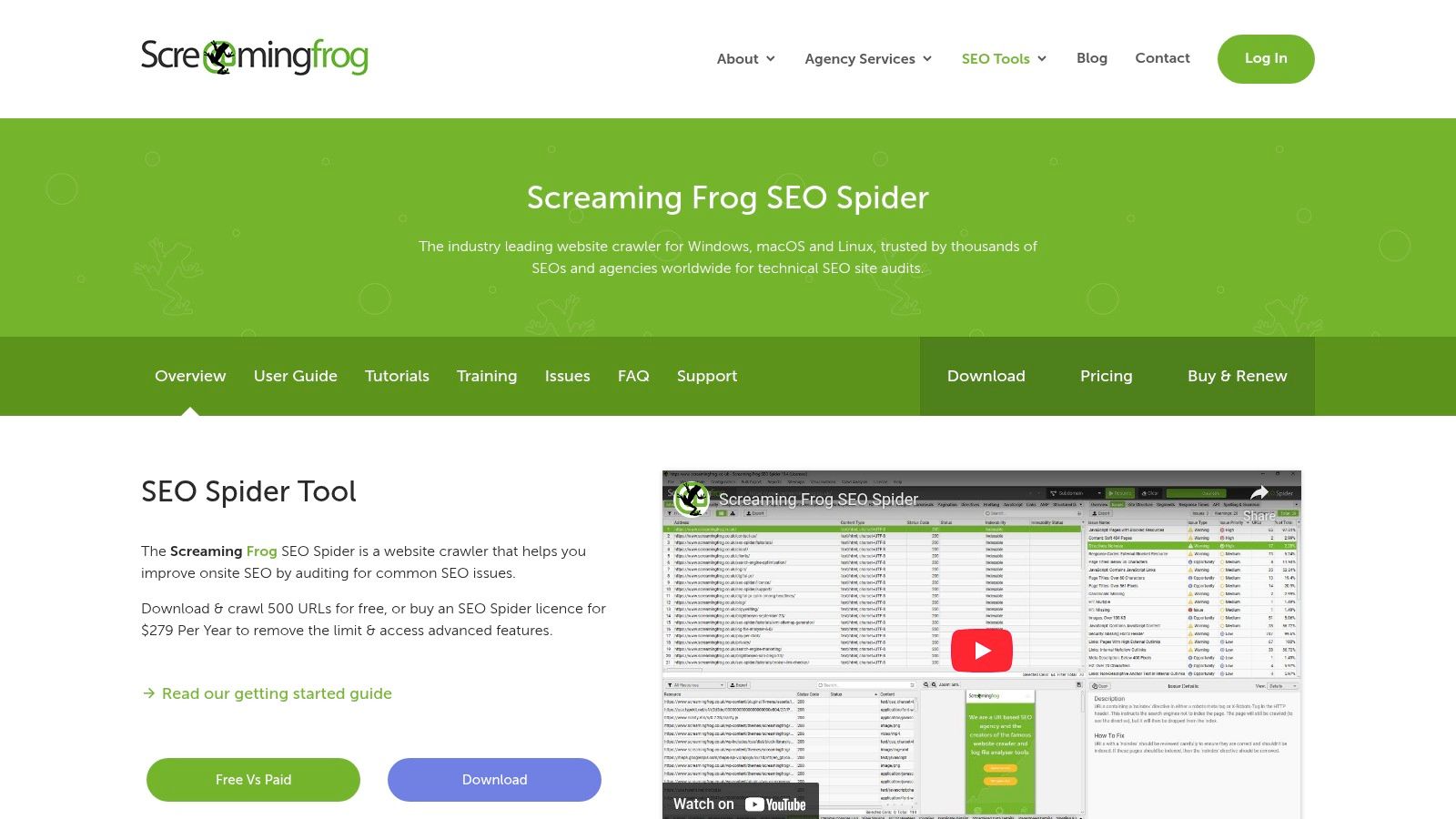
12. Screaming Frog SEO Spider (Desktop, Free Version)
The Screaming Frog SEO Spider is a desktop program and is considered the industry standard for technical website crawls. As one of the most powerful free SEO tools For in-depth analysis, the software is installed on Windows, macOS, or Linux. The free version is ideal for checking smaller websites or specific areas of larger projects for technical errors.
Highlights of the free tools
The biggest advantage lies in the level of detail in the analysis. The free version crawls up to 500 URLs per project and delivers valuable data on critical on-site factors. This allows you to reliably detect broken links (404 errors), server-side problems (5xx errors), and redirect chains that negatively impact user experience and crawl budget.
Furthermore, the tool analyzes essential on-page elements such as page titles, meta descriptions, and headings (H1, H2) to identify duplicates, missing entries, or length issues. It can also generate an XML sitemap for the crawled URLs. The data can be easily exported for further processing, which is essential for detailed technical audits.
| Strengthen | Weaken |
|---|---|
| Industry standard for technical SEO crawls | Free limit of 500 URLs per crawl |
| Very fast on-site crawl | Extended features are only available with a license. |
| Many export options for further processing | The user interface can seem complex to beginners. |
Practical tip: Use Screaming Frog to quickly check after a website relaunch whether all important redirects (301 redirects) have been set up correctly. To do this, crawl a list of the old URLs and check the status code and the redirect target.
Link: Screaming Frog SEO Spider
Quick comparison: 12 free SEO tools
| Tool | Core functions | Experience & Review | USP / Special Features | 👥 Target audience & 💰 Price |
|---|---|---|---|---|
| SISTRIX – Free SEO Tools | Visibility index, snippet generator, page speed, update radar | ★★★★ — fast, German | ✨ Instant access without login, SISTRIX Smart (1 project) | 👥 Beginners / Germany, Austria, Switzerland · 💰 Free (with limits) |
| Seobility – Free SEO checks | On-page check, keyword, backlinks, ranking | ★★★★ — clear to-dos | ✨ Prioritized to-do lists, DACH focus | 👥 SMEs / local businesses · 💰 Free (daily limits apply) |
| Ahrefs – Free Tools & AWT | Keyword/Backlink Checker, DR, AWT Site Audit | ★★★★★ — large database | 🏆 Extensive data, ✨ AWT for verified sites | 👥 Agencies & Professionals · 💰 Free Limits, Paid for Depth |
| Semrush – Free Account & Toolkits | Keyword, site audit, backlinks, position tracking | ★★★★★ — All-in-one suite | 🏆 Wide range of functions, ✨ specialized toolkits | 👥 Marketers & Agencies · 💰 Free Trial/Limits → Subscription |
| Google Search Console | Performance, indexing, sitemaps, URL checking | ★★★★★ — indispensable | 🏆 Direct Google data, 100 % free | 👥 All webmasters · 💰 Free |
| Google PageSpeed Insights | CWV, Lighthouse, lab/field data, optimization tips | ★★★★★ — CWV-oriented | ✨ Specific optimizations & API | 👥 Developers & SEOs · 💰 Free |
| Google Keyword Planner (Ads) | Keyword ideas, volume trends, CPC estimation | ★★★★ — Google data | ✨ Direct Ads data, regional segments | 👥 Keyword Researcher · 💰 Free (Ads Account) |
| Bing Webmaster Tools | Performance reports, URL inspection, IndexNow | ★★★ — useful for Bing | ✨ IndexNow & GSC Import | 👥 Sites with Bing traffic · 💰 Free |
| Ubersuggest (Neil Patel) | Keyword ideas, site audit, rank tracking | ★★★ — beginner-friendly | ✨ Intuitive interface, permanent free | 👥 Founders & Beginners · 💰 Free (strict limits) |
| AnswerThePublic | Questions/Autosuggest clustering, visualizations | ★★★★ — excellent for ideation | ✨ Quick content inspiration & visuals | 👥 Content Teams · 💰 Free (limited availability) / Paid for exports |
| Yoast SEO (WP plugin) | Meta/Schema, XML sitemaps, on-page help | ★★★★ — WordPress standard | 🏆 Widely used, easy integration | 👥 WordPress users · 💰 Core features free, premium features paid |
| Screaming Frog SEO Spider | Desktop crawler, 4xx/5xx, meta checks, sitemap | ★★★★★ — technical. Industry standard | 🏆 Very fast crawl, many exports | 👥 Technical SEOs · 💰 Free for up to 500 URLs, Pro license |
From data to dominance: When does it make sense to take the step to a professional SEO agency?
The comprehensive list we went through together impressively proves that getting started with search engine optimization doesn't have to be an expensive undertaking. Free SEO tools Tools like Google Search Console, Ahrefs Webmaster Tools, or the basic version of Seobility are far more than just gimmicks. They are powerful instruments that provide you with a solid foundation for data-driven decisions.
You can use them to uncover initial technical errors, analyze your website's performance, and conduct basic keyword research. Each of these tools opens a window into a specific aspect of your online presence and provides valuable raw data. The key is to use these tools strategically and in combination.
Key findings at a glance
If you only take away a few key points from this extensive reading, they should be these:
- No single tool is the universal solution: The strength lies in the combination. Use Google Search Console for performance data directly from the source, Screaming Frog for in-depth technical analysis, and AnswerThePublic for content brainstorming.
- Data is just the beginning: A tool will show you What This happens (e.g., a loss of ranking), but not always. Why. Interpreting the data and deriving the right measures requires understanding and experience.
- Limitations are part of the deal: Free versions have limitations regarding data volume, features, or the retrieval interval. Be aware of these limitations and plan accordingly to avoid frustration.
Your next steps: From knowledge to implementation
How do you turn this information into concrete success? Start with focus. Instead of trying to master all the tools at once, choose one or two that address your biggest current problem.
- For the starting point: Install the Google Search Console and the Bing Webmaster Tools. This is non-negotiable and the absolute basis for understanding the visibility of your website in the major search engines.
- For technical cleanliness: Perform an initial crawl with Seobility or the Screaming Frog SEO Spider through. Focus on simple errors such as broken links (404 errors) or missing page titles.
- For initial content ideas: Use AnswerThePublic, to understand the questions of your target audience. Combine these insights with data from the Google Keyword Planner, in order to estimate the search volume and competition for relevant terms.
The crucial factor when working with free SEO tools is not the number of tools used, but the regularity and consistency with which you implement the insights gained. Schedule fixed time slots to review your data and complete the resulting tasks.
When free SEO tools reach their limits
But let's be honest: there will come a point where you realize that managing data across various dashboards takes more time than the actual optimization work. You'll find that your progress stagnates because the truly effective levers—like in-depth competitive analysis or the strategic building of high-quality backlinks—are difficult to leverage with free tools.
This is precisely where the do-it-yourself approach ends and the path to a professional partnership begins. Data is worthless without a coherent strategy that contextualizes it and translates it into a roadmap for sustainable growth. The tools presented here are like a cockpit full of gauges and levers. However, to navigate the aircraft safely through turbulence and to its destination, an experienced pilot is needed.
You now have the tools to start the engine. However, if you're ready to take off and leave your competition in the dust, you'll need an experienced co-pilot. LinkITUp translates the data provided by these tools into a tailored strategy and implements it with over 15 years of expertise to achieve demonstrably top rankings for you. Speak to us without obligation and find out how we can take your SEO to the next level.